Clinical Simulation
CVC Insertion in VR


About This Course
What you'll experience
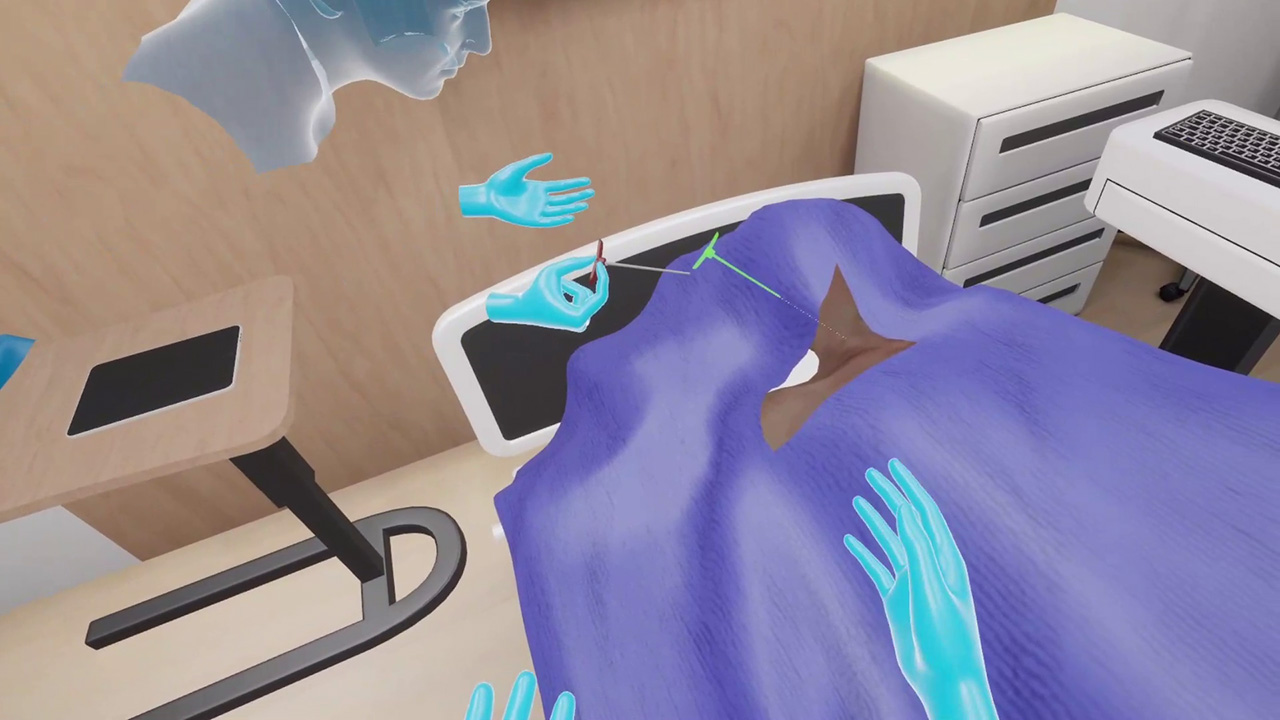
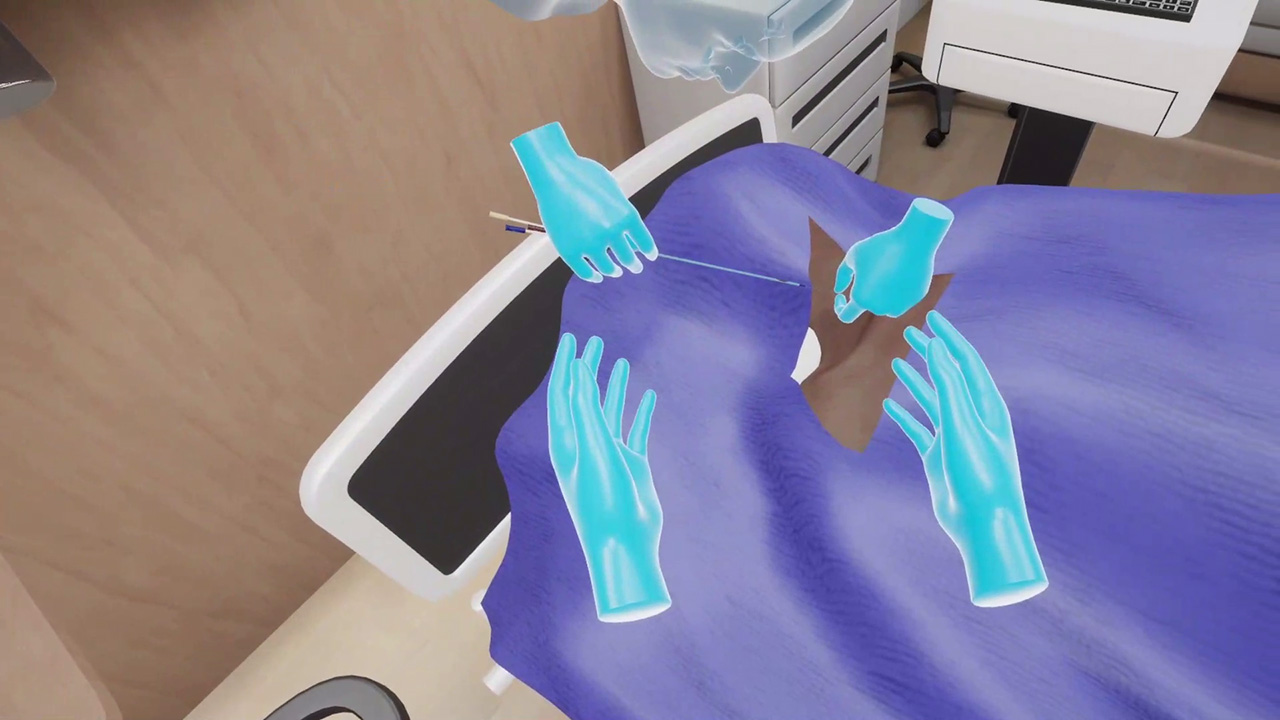
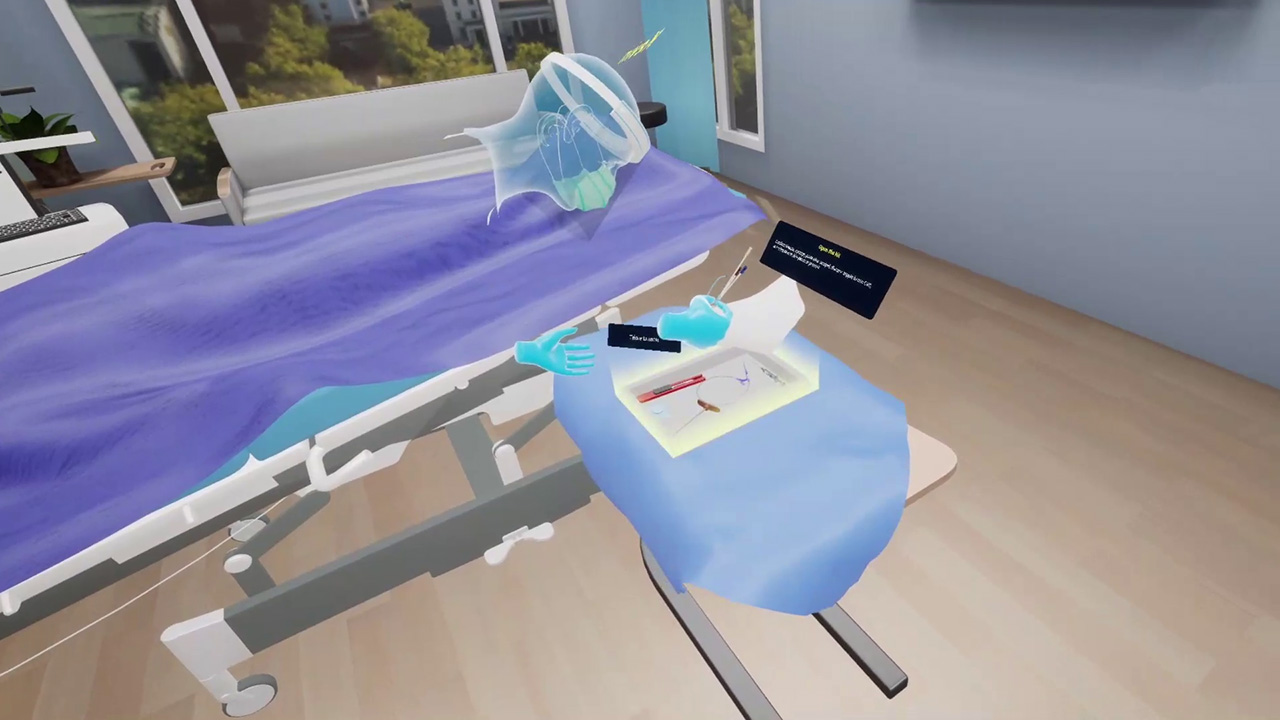
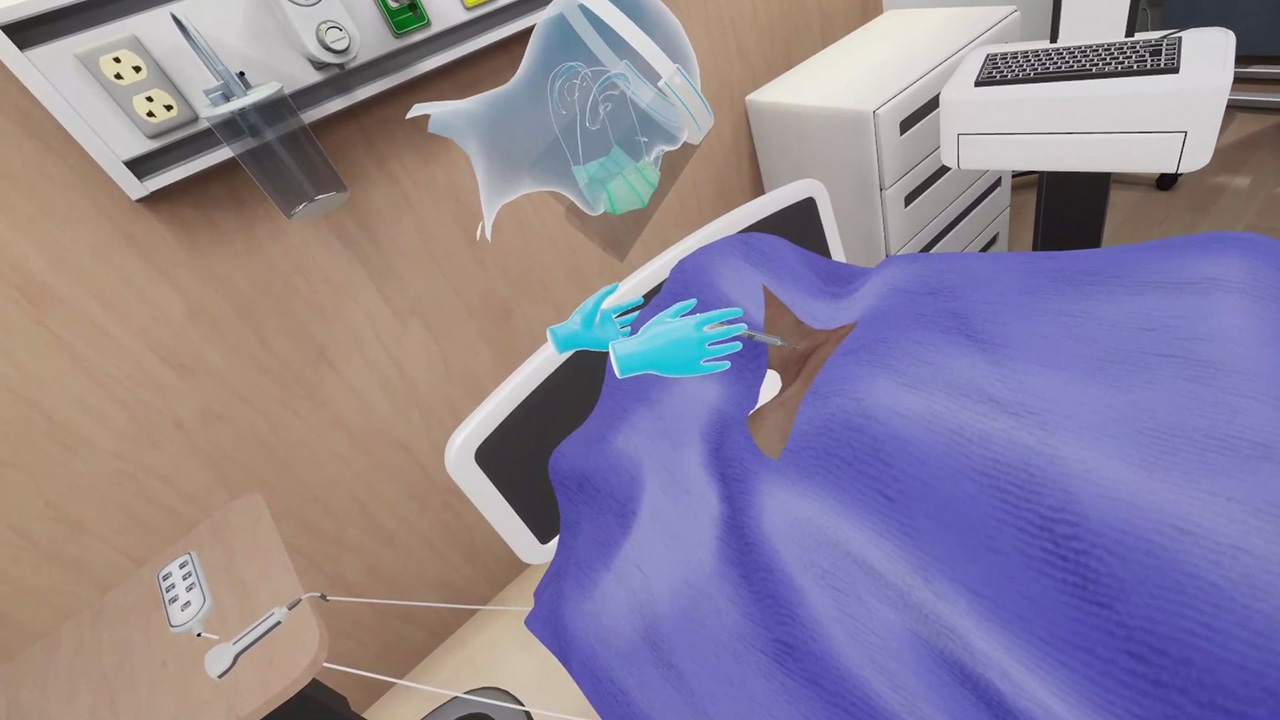
Jacob is a 52-year-old male patient. He is admitted for an infection and has antibiotics ordered. IV access has been tried numerous times without successful placement. The attending physician has written an order for central venous catheter placement. The central line has to be placed in the internal jugular vein using the ultrasound guided method. Learners will be practicing this central venous catheter insertion in a virtual environment to perform steps starting from preparing a sterile field to completing the insertion procedure. This multiplayer VR session is designed to provide learners with the training and practice required to carry out the procedure with efficiency and confidence.
Learning Objectives
- Explaining the internal jugular catheter insertion procedure to a virtual patient
- Donning sterile gown and gloves and setting up sterile field
- Demonstrating successful internal jugular catheter insertion procedure
- Suturing the wound
- Applying the dressing
- Explaining aftercare instructions to a virtual patient
References
- Developed under the guidance of MedVR Education advisory team.
- Standard 26. Vascular access device (VAD) planning. Infusion therapy standards of practice. (2016). Journal of Infusion Nursing, 39, S51–S54. (Level VII)
- Infusion Nurses Society. (2017). Policies and procedures for infusion therapy of the older adult (3rd ed.). Boston, MA: Infusion Nurses Society.
What you'll practice
Core Skills Training
Core Skill
Patient Preparation
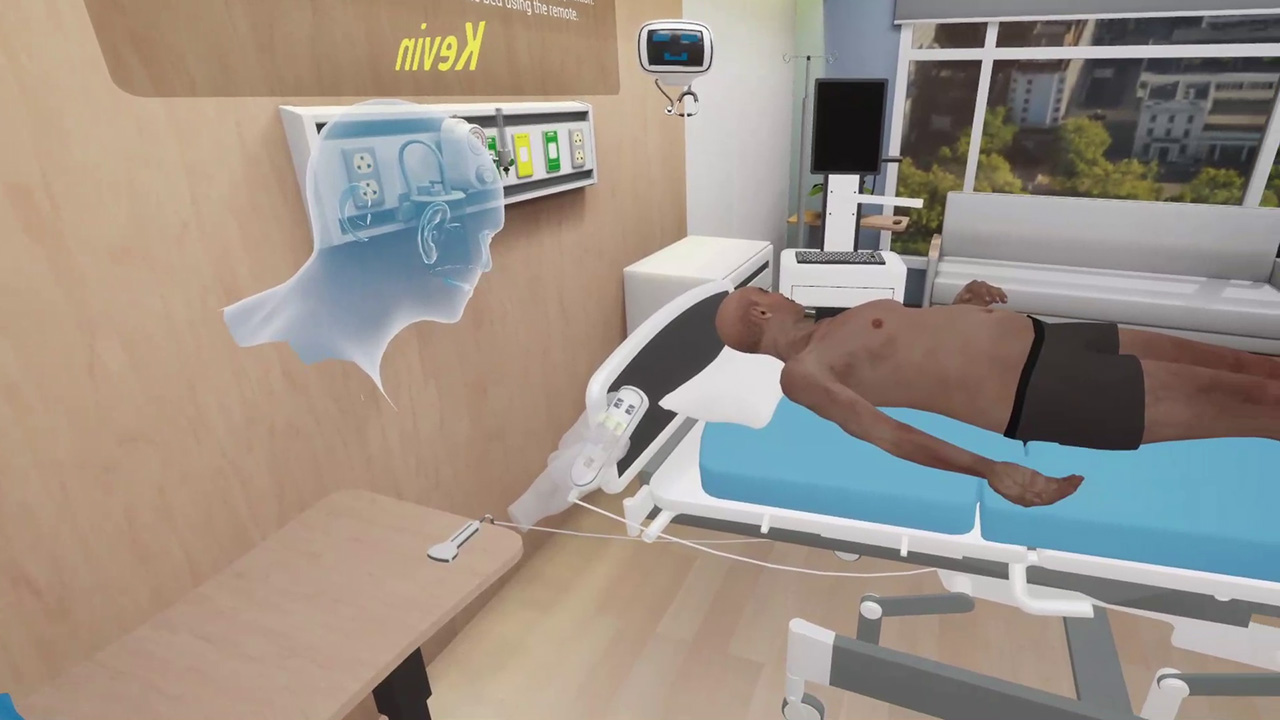
In this first module, learners are required to practice preparing for a central line insertion procedure. This involves preparing the sterile field, ensuring all required supplies are in place, and preparing the patient for the procedure. Necessary affordances are made available to the learners for a hiccup-free ride through the module. Ensuring thorough preparation will help perform the procedure with efficiency.
Tailored to You
Customize Your Program
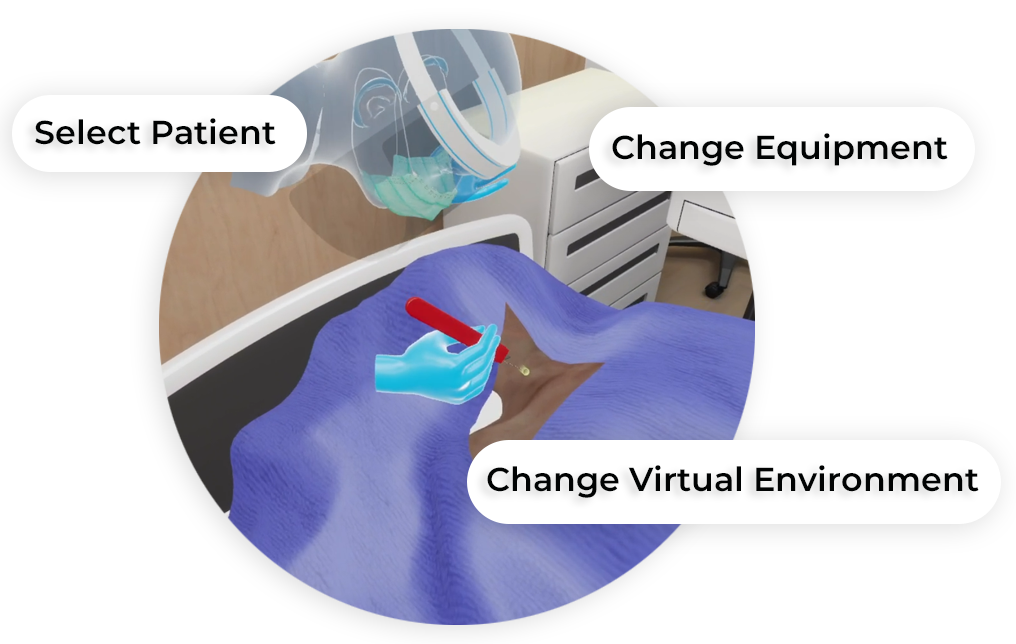
MedVR Education is bringing to you in-VR customization that will enable you to customize your procedural simulations by making selections from a range of feature choices.
- Select patient from a diverse background
- Choose preferred virtual environment
- Select equipment used in the procedure
- Modify difficulty level of the assessment mode
- …..many more to come
Additional customization options are available and can be developed to meet your specific training needs.
 Multi-player Sessions
 Physics-based Interaction
How it works
Training
With prompts, guidance, and affordances learners are hand-held through the process to practice the procedure in a virtual environment with a virtual patient.
- Photorealistic Virtual Environment
- Physics-based Interactions
- Learn by Doing
- Visual Affordances
Measure progress
Assessment
Test skills to perform the procedures from start to finish without prompts. An incorrect step will take the learner back to the start to start afresh.
- Live Scoring
- Instant Feedback
- Unlimited Practice Sessions
- LMS Integration
Get started
Ready to transform clinical training?
Book a demo to see CVC Insertion in VR and our full simulation library in action.