Clinical Simulation
Digital Block


About This Course
What you'll experience
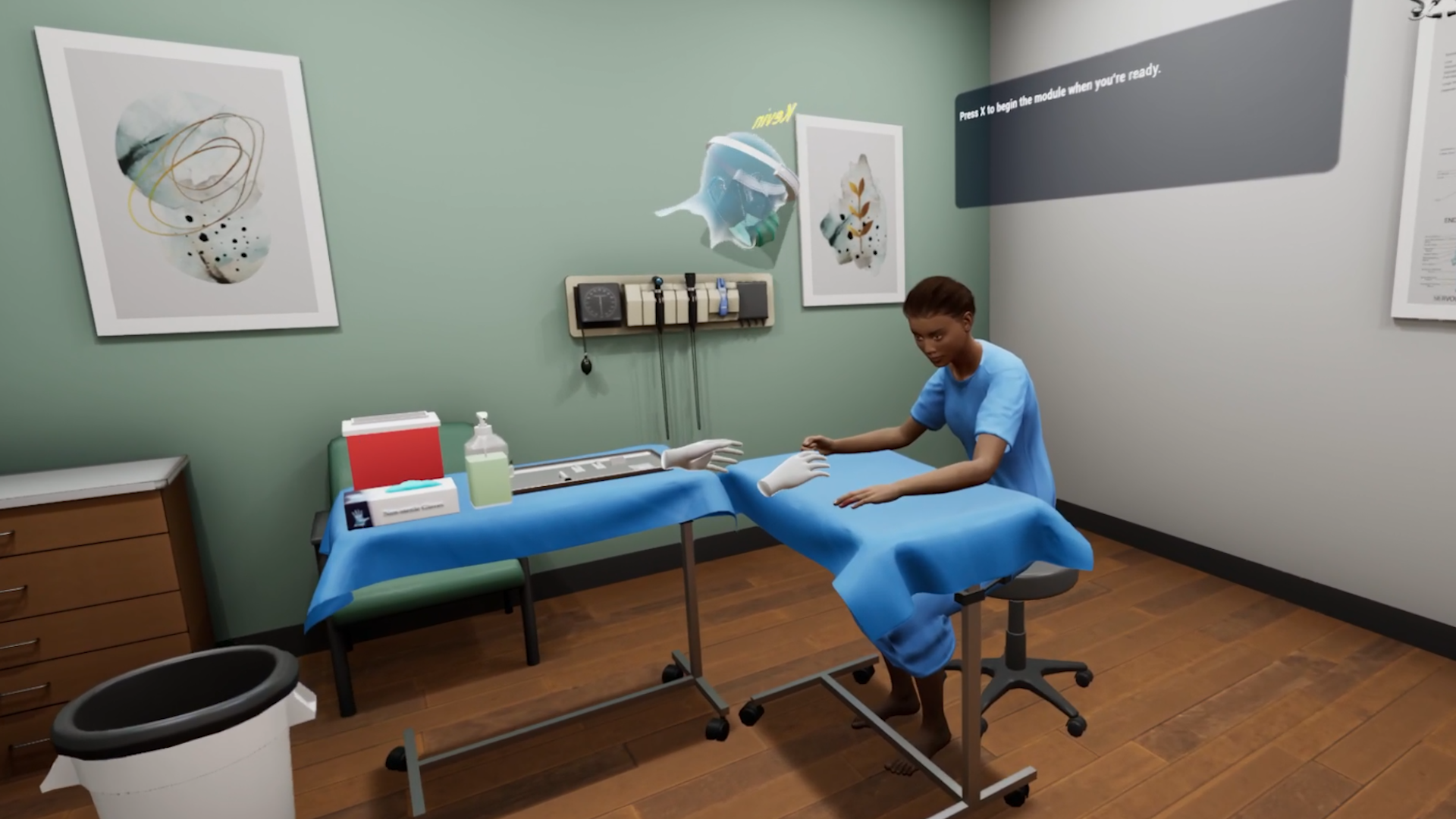
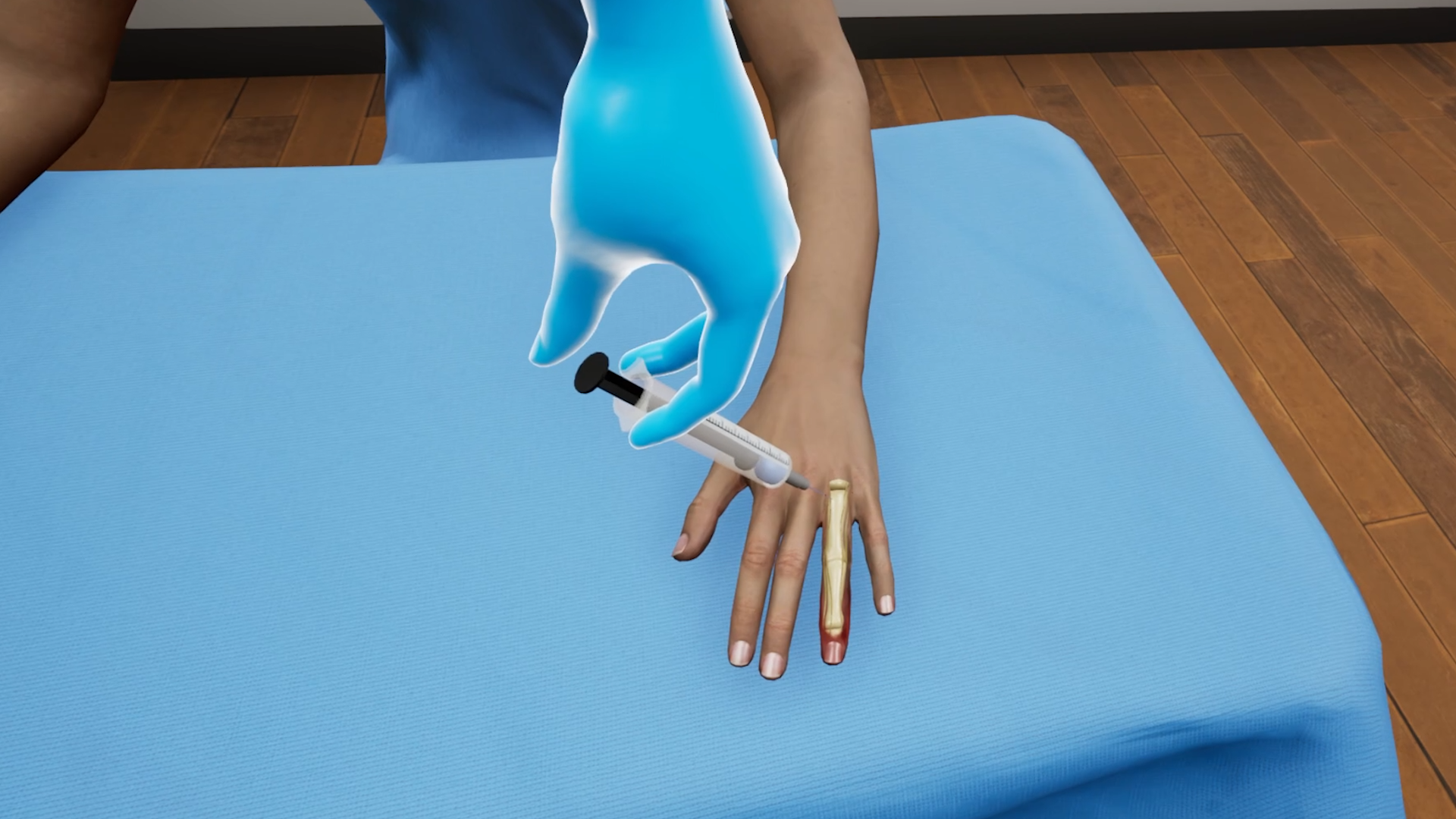
Digital block is a nerve blocking technique used for performing painful procedures on the digits. It could be related to nail removal or foreign body removal or, as in this case, a laceration. This VR simulation for Digital Block is designed to help practitioners practice a digital block procedure in a virtual environment with a virtual patient. With both training and assessment modes, learners can perform the procedure and assess themselves on their performance.
Learning Objectives
- Using clinically approved techniques to identify injection site of dorsal webs
- Performing digital block using the dorsal approach
References
- American Academy of Orthopaedic Surgeons. (2021). Digital nerve blocks. Retrieved from https://orthoinfo.aaos.org/en/treatment/digital-nerve-blocks
What you'll practice
Core Skills Training
Core Skill
Performing Digital Block
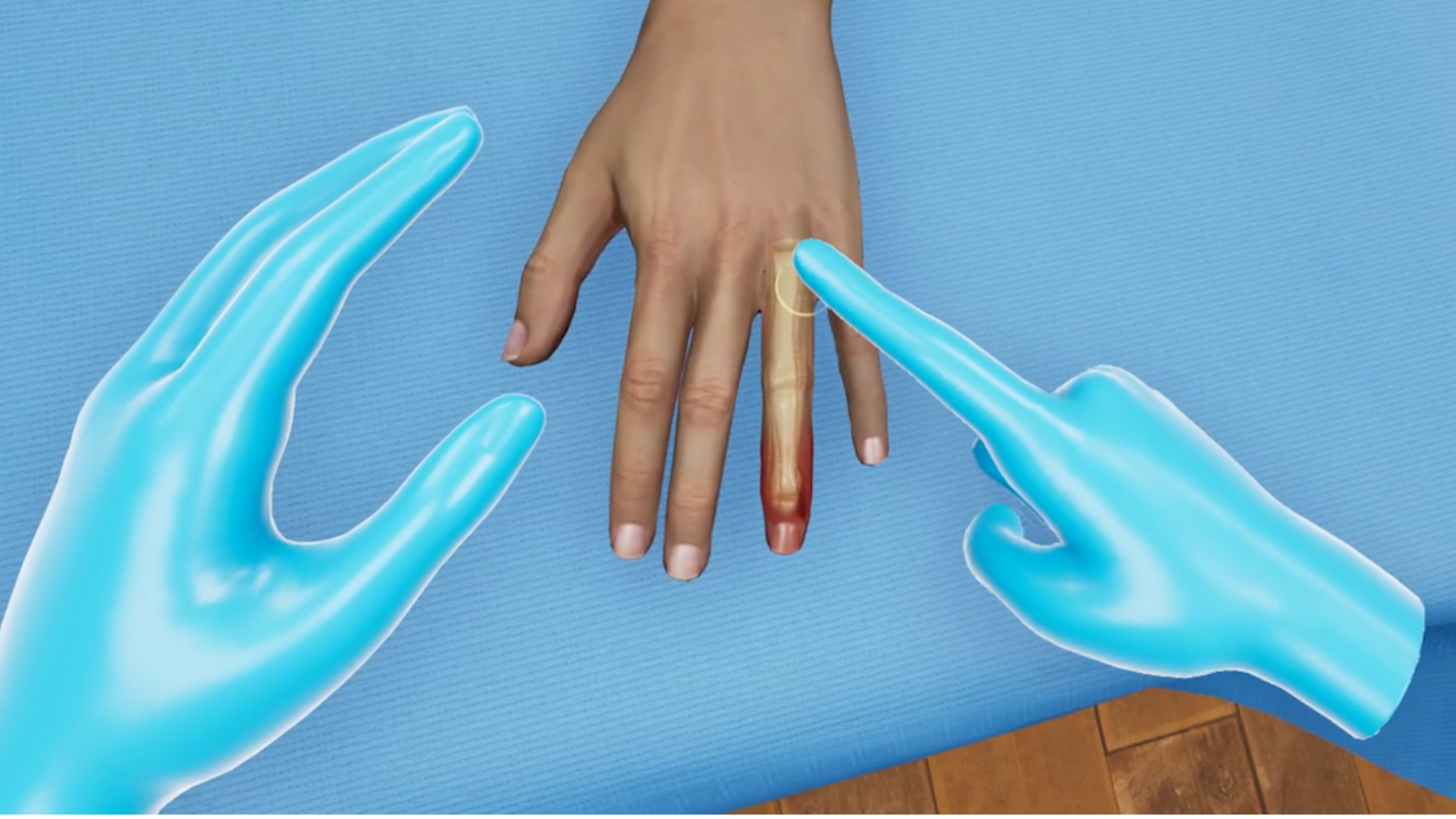
As a part of this Digital Block procedure, the learner will begin by performing hand sanitization and prepping the patient’s hand for the procedure. After drawing up anesthetic into the syringe, the injection site will be identified by palpating the base of the finger. The learner will then insert the needle at a 2 o’clock position on one side of the finger and at a 10 o’clock position on the other side. Any blood on the insertion site will have to be dabbed with gauze.
All necessary affordances are provided to complete the procedure with efficiency.
Tailored to You
Customize Your Program
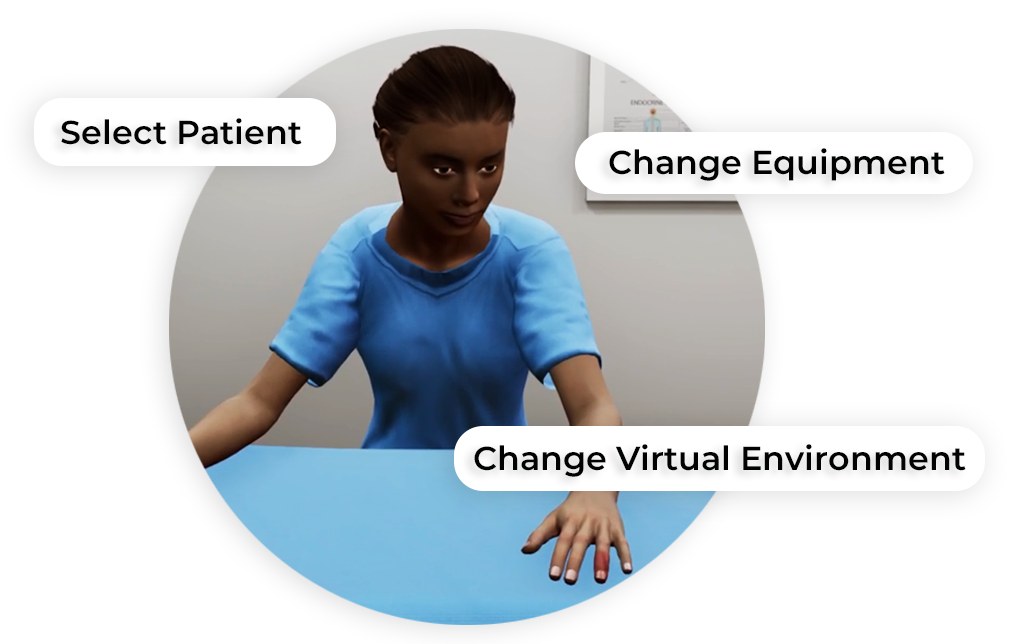
MedVR Education is bringing to you in-VR customization that will enable you to customize your procedural simulations by making selections from a range of feature choices.
- Select patient from a diverse background
- Choose preferred virtual environment
- Select equipment used in the procedure
- Modify difficulty level of the assessment mode
- …..many more to come
Additional customization options are available and can be developed to meet your specific training needs.
 Multi-player Sessions
 Physics-based Interactions
How it works
Training
With prompts, guidance and affordances learners are hand-held through the process to practice the procedure in a virtual environment with a virtual patient.
- Photorealistic virtual environment
- Physics-based interactions
- Detailed instructions
- Adequate affordances to assist in task completion

Measure progress
Assessment
Test acquired skills to perform the procedures from start to finish without prompts. An incorrect step will take the learner back to the start to start afresh.
- Live scoring
- Instant feedback
- Adequate affordances for efficient performance
- Time tracking to monitor activity completion
Get started
Ready to transform clinical training?
Book a demo to see Digital Block and our full simulation library in action.