Clinical Simulation
Eye Assessment


About This Course
What you'll experience
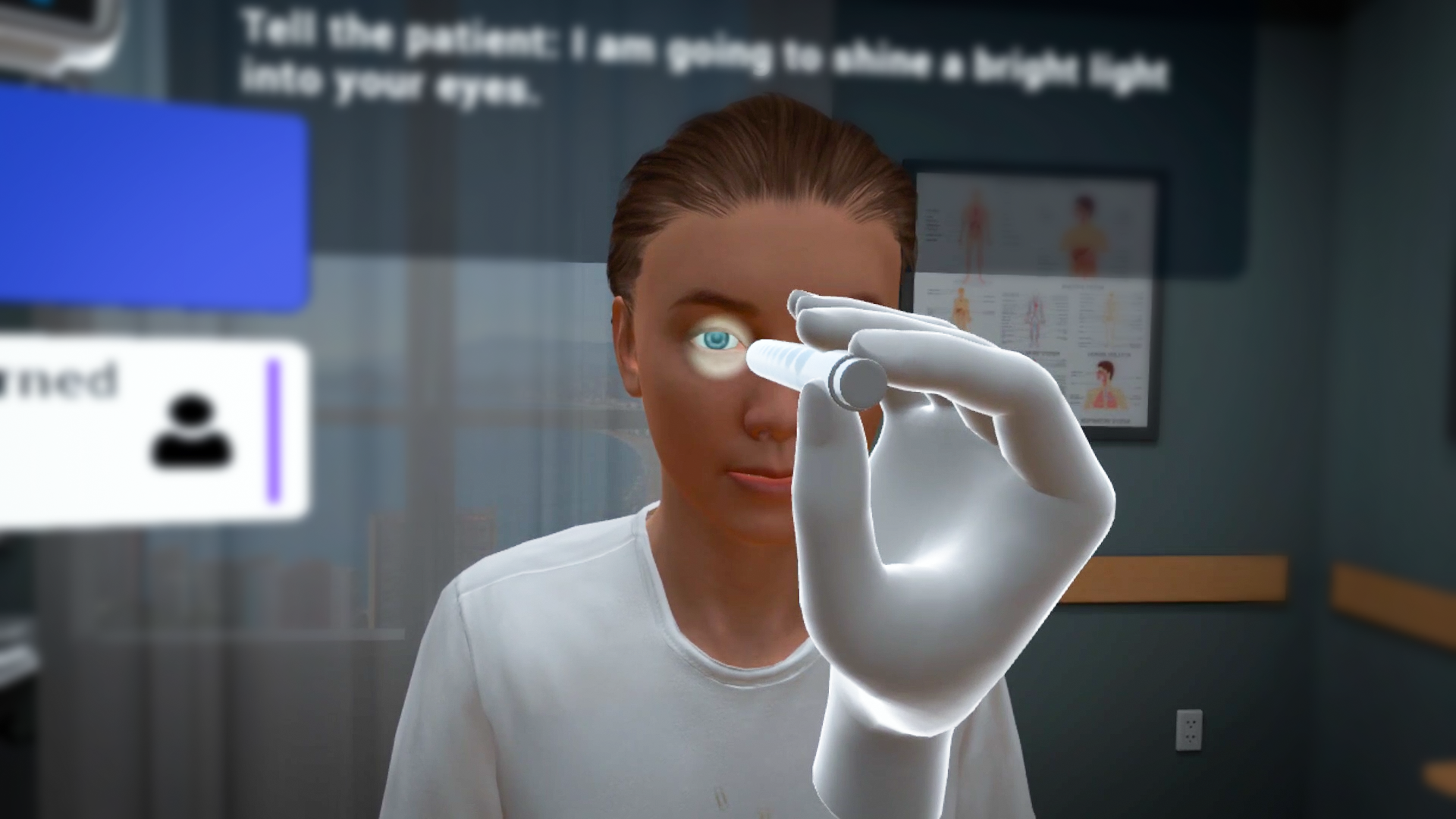
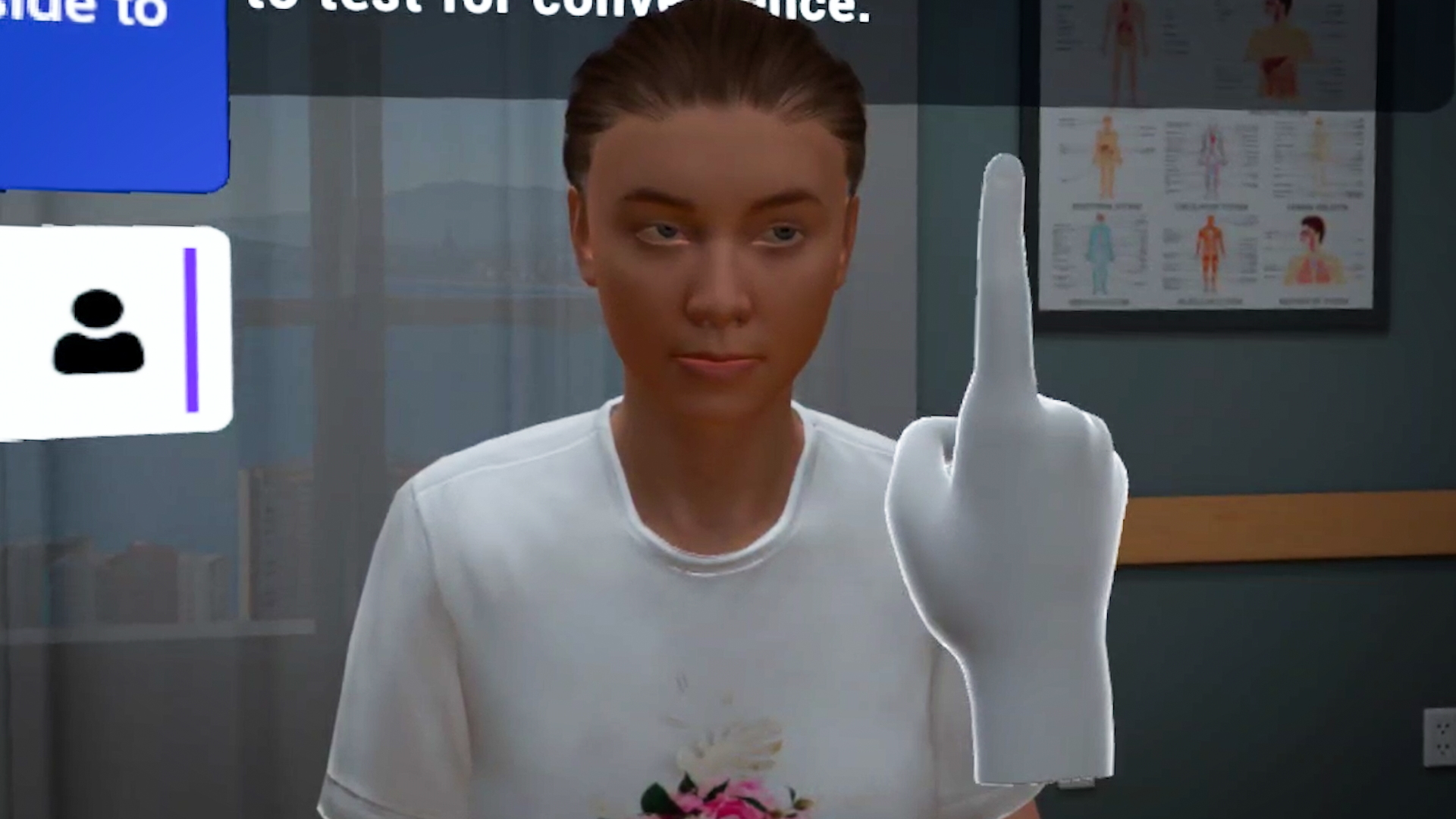
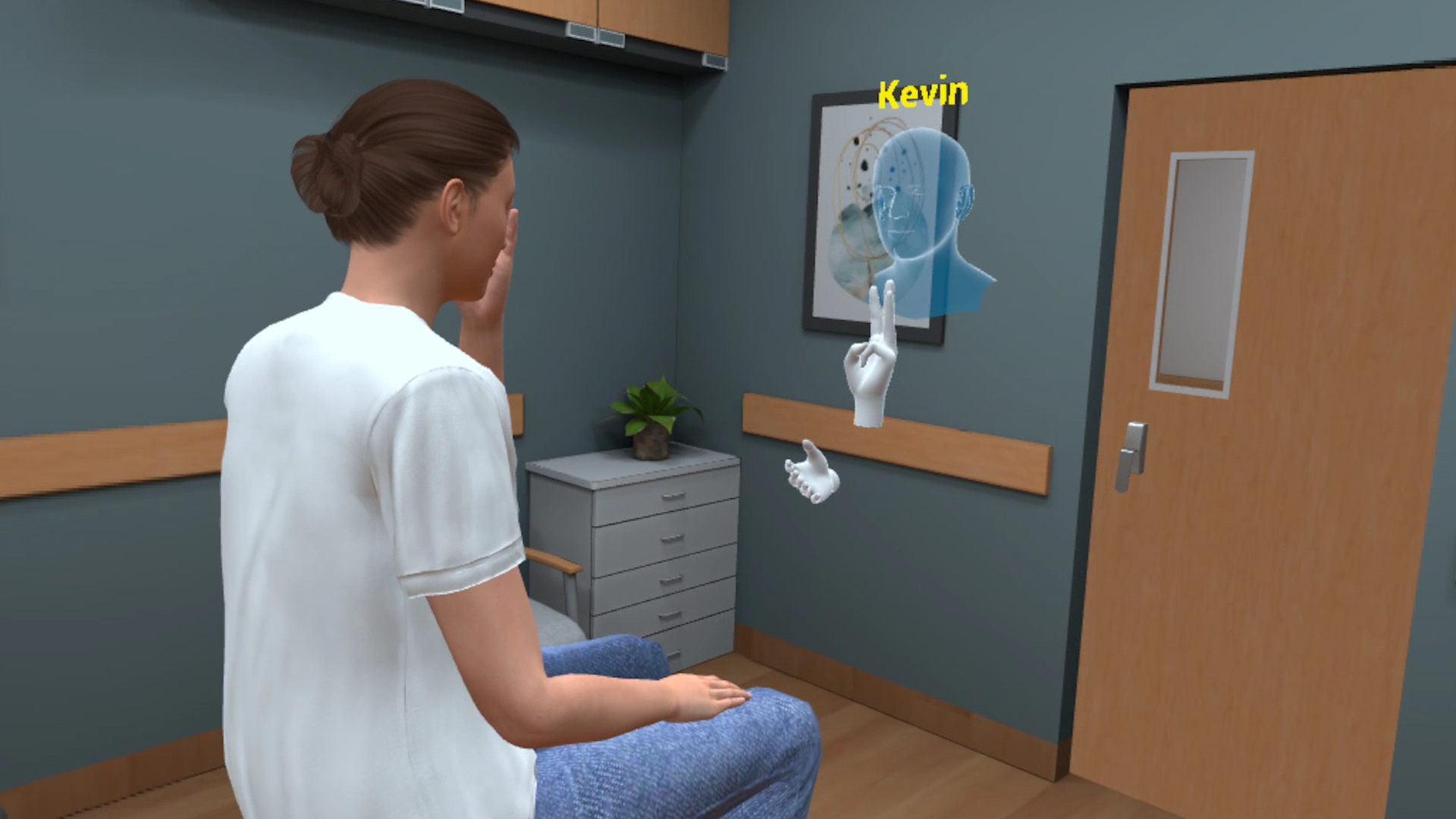
Thirty-year-old Sophia Williams is visiting her family medicine doctor for an eye assessment. She is experiencing a lot of pressure behind her eyes and her throat is feeling raw. The assessment consists of performing tests for peripheral vision, pupillary movement, and a funduscopic examination. Using this VR simulation for Eye Assessment, healthcare practitioners can practice performing the procedure in a realistic environment with a virtual patient. With both training and assessment modes, learners can perform the procedure and assess themselves on their performance.
Learning Objectives
- Using approved technique to examine pupillary and extraocular movement
- Applying standard technique to perform a funduscopic examination
References
- American Academy of Ophthalmology. (2023). Comprehensive eye exam: Overview and procedure.
What you'll practice
Core Skills Training
Core Skill
Performing Eye Assessment
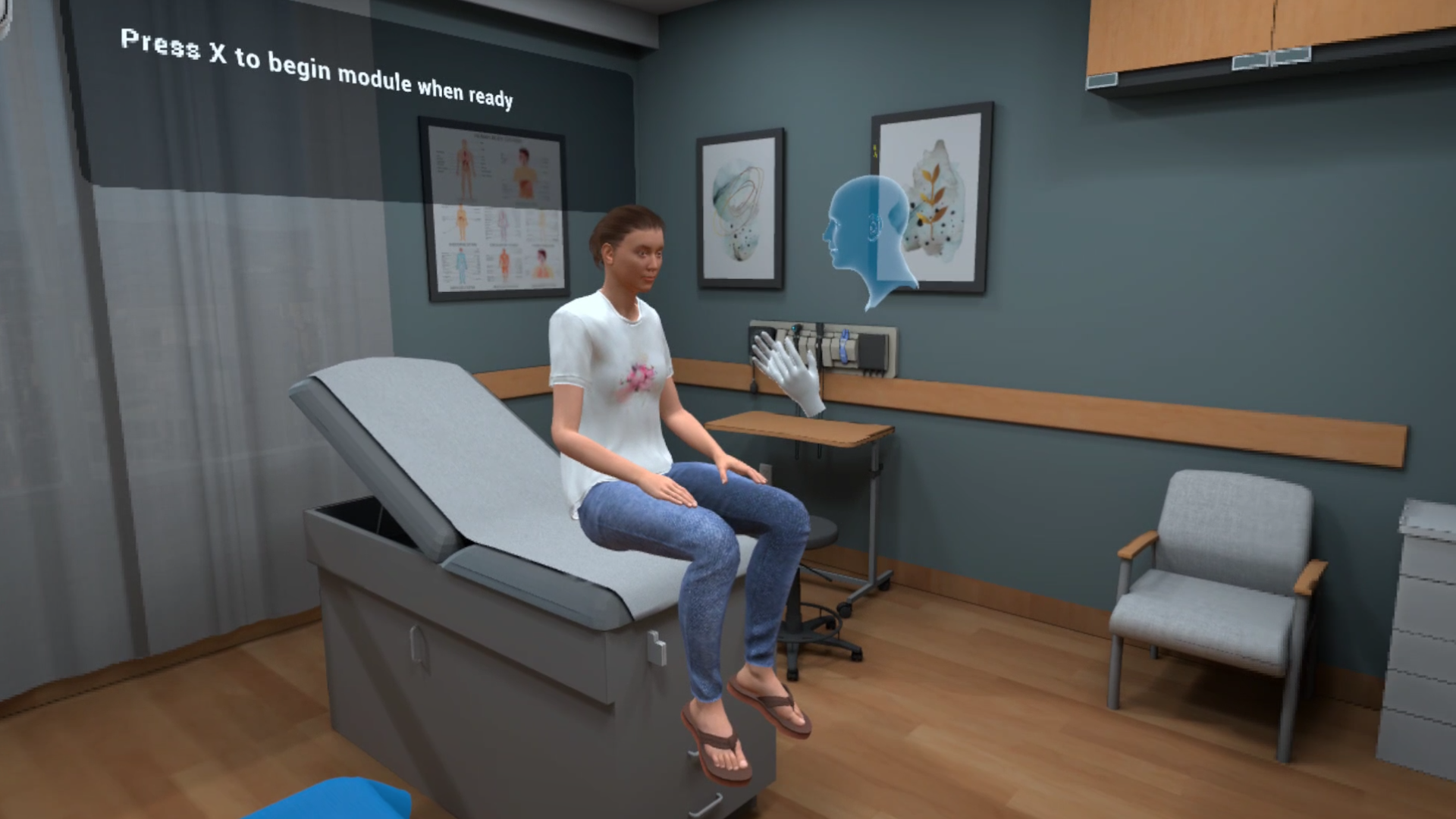
As a part of this Eye Assessment module, the learners will begin by performing hand sanitization and confirming the identity of the patient. The patient will also be asked to confirm any known allergies, identify the symptoms that brought them to the healthcare center, following which the learner will educate the patient on the procedure. The examination procedure will include enquiries about eye glasses, an inspection of the eyes, testing for peripheral vision, pupillary movement and fundoscopic examination.
All necessary affordances are provided to complete the procedure with efficiency.
Tailored to You
Customize Your Program
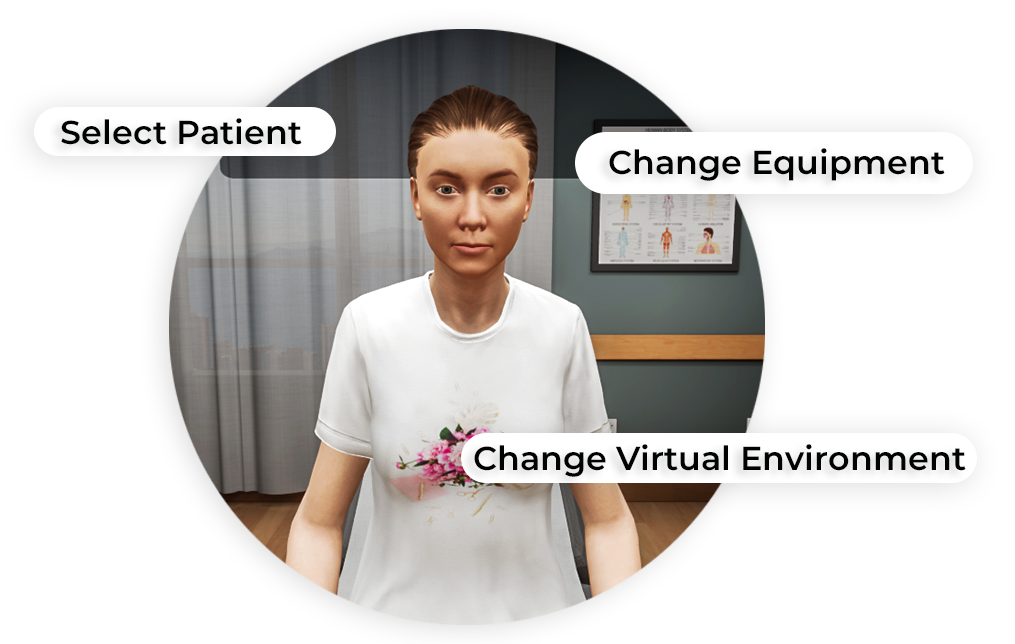
MedVR Education is bringing to you in-VR customization that will enable you to customize your procedural simulations by making selections from a range of feature choices.
- Select patient from a diverse background
- Choose preferred virtual environment
- Select equipment used in the procedure
- Modify difficulty level of the assessment mode
- …..many more to come
Additional customization options are available and can be developed to meet your specific training needs.
 Multi-player Sessions
 Physics-based Interactions
How it works
Training
With prompts, guidance and affordances learners are hand-held through the process to practice the procedure in a virtual environment with a virtual patient.
- Photorealistic virtual environment
- Physics-based interactions
- Detailed instructions
- Adequate affordances to assist in task completion
Measure progress
Assessment
Test acquired skills to perform the procedures from start to finish without prompts. An incorrect step will take the learner back to the start to start afresh.
- Live scoring
- Instant feedback
- Adequate affordances for efficient performance
- Time tracking to monitor activity completion
Get started
Ready to transform clinical training?
Book a demo to see Eye Assessment and our full simulation library in action.