Clinical Simulation
Eye Medications


About This Course
What you'll experience
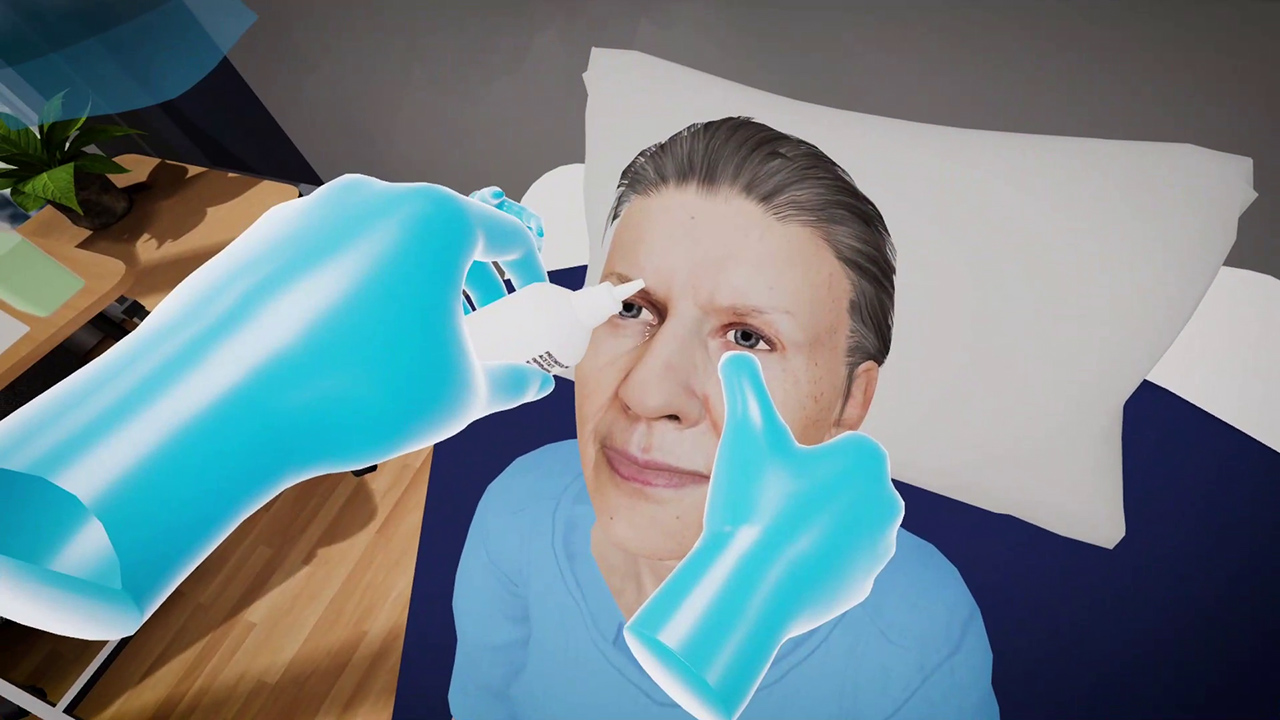
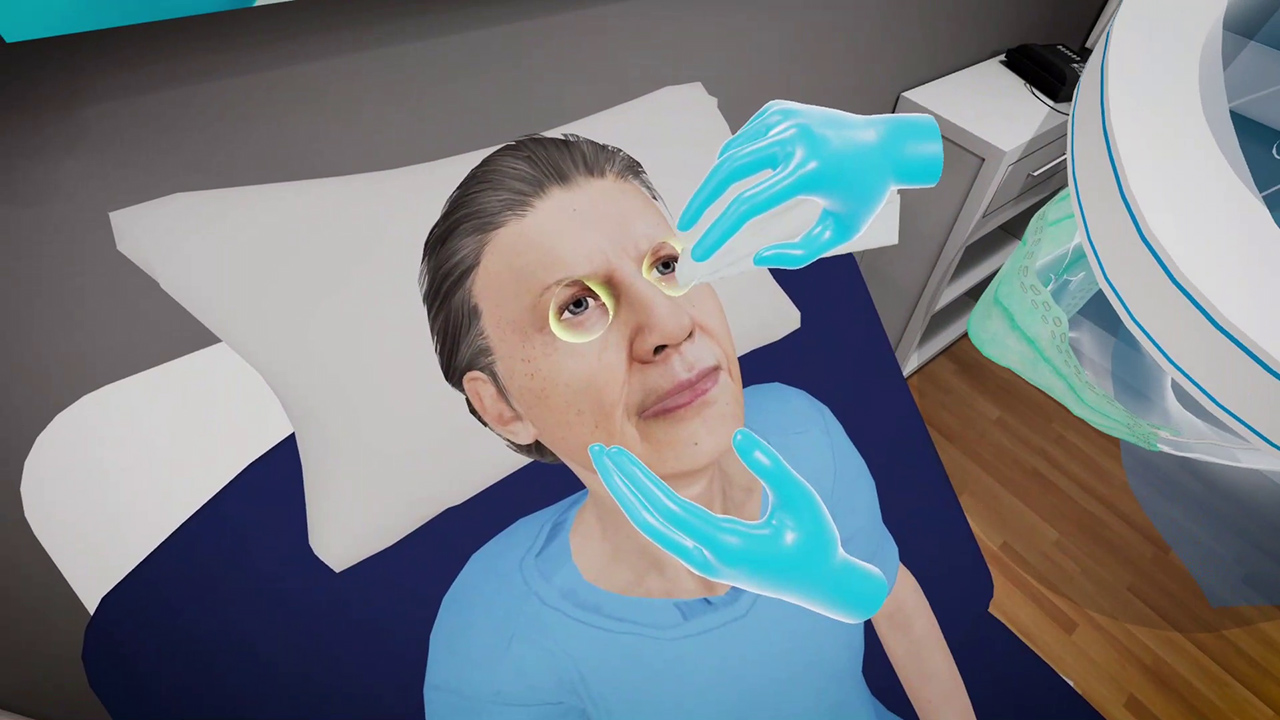
Sixty-eight year old Edna Thornton requires an eye drop administration. She has been prescribed steroids by her doctor to help calm the redness and itchiness caused due to allergies. This VR simulation for administering an eye drop is designed to help healthcare practitioners practice the procedure in a safe and controlled virtual set up with a virtual patient. With both training and assessment modes, learners can perform the procedure and assess themselves on their performance.
Learning Objectives
- Demonstrate standard technique of positioning patient for eye medication administration
- Demonstrate proper method of administering eye medication
- Educate patient on proper aftercare instructions
References
- The Joint Commission. (2019). Standard MM.05.01.09. Comprehensive accreditation manual for hospitals. Oakbrook Terrace, IL: The Joint Commission.
- Taylor, C., et al. (2015). Fundamentals of nursing: The art and science of nursing care (8th ed.). Philadelphia, PA: Wolters Kluwer.
What you'll practice
Core Skills Training
Core Skill
Eye Drop Administration
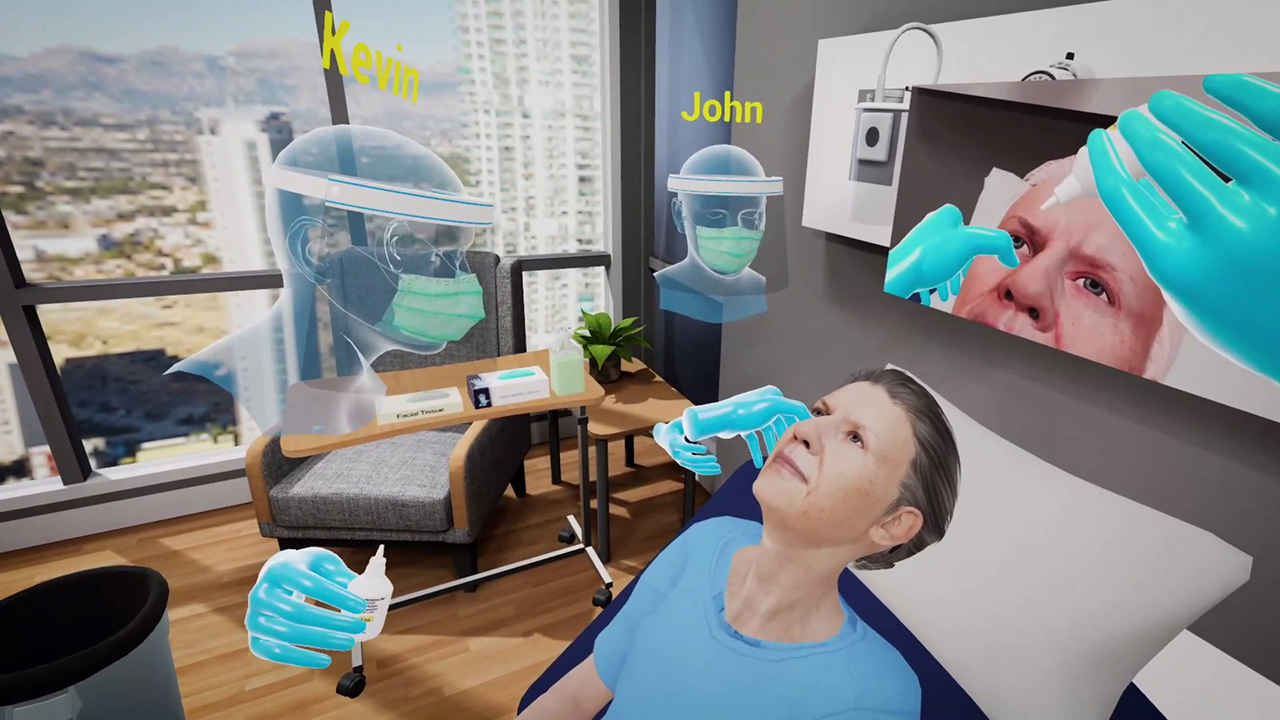
As a part of this Eye Drop administration procedure the user is required to confirm the identity of the patient and enquire about any previous steroid administration, any allergies or ongoing medications. The user will also inform the patient about the procedure and what to expect from the drops, including the many accompanying side effects and when to get in touch. Having informed the patient, the user will check the details of the drop and administer it to the patient.
The procedure is designed to help learners practice interacting with the patient and performing the procedure smoothly.
Tailored to You
Customize Your Program
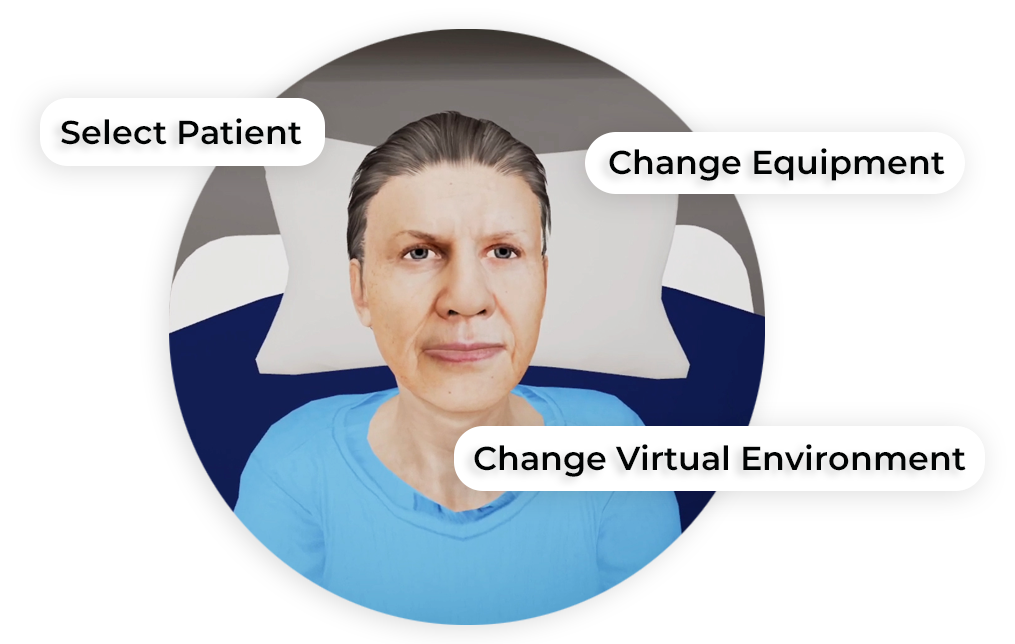
MedVR Education is bringing to you in-VR customization that will enable you to customize your procedural simulations by making selections from a range of feature choices.
- Select patient from a diverse background
- Choose preferred virtual environment
- Select equipment used in the procedure
- Modify difficulty level of the assessment mode
- …..many more to come
Additional customization options are available and can be developed to meet your specific training needs.
 Multi-player Sessions
 Physics-based Interaction
How it works
Training
With prompts, guidance and affordances learners are hand-held through the process to practice the procedure in a virtual environment with a virtual patient.
- Photorealistic virtual environment
- Physics-based interactions
- Detailed instructions
- Adequate affordances to assist in task completion
Measure progress
Assessment
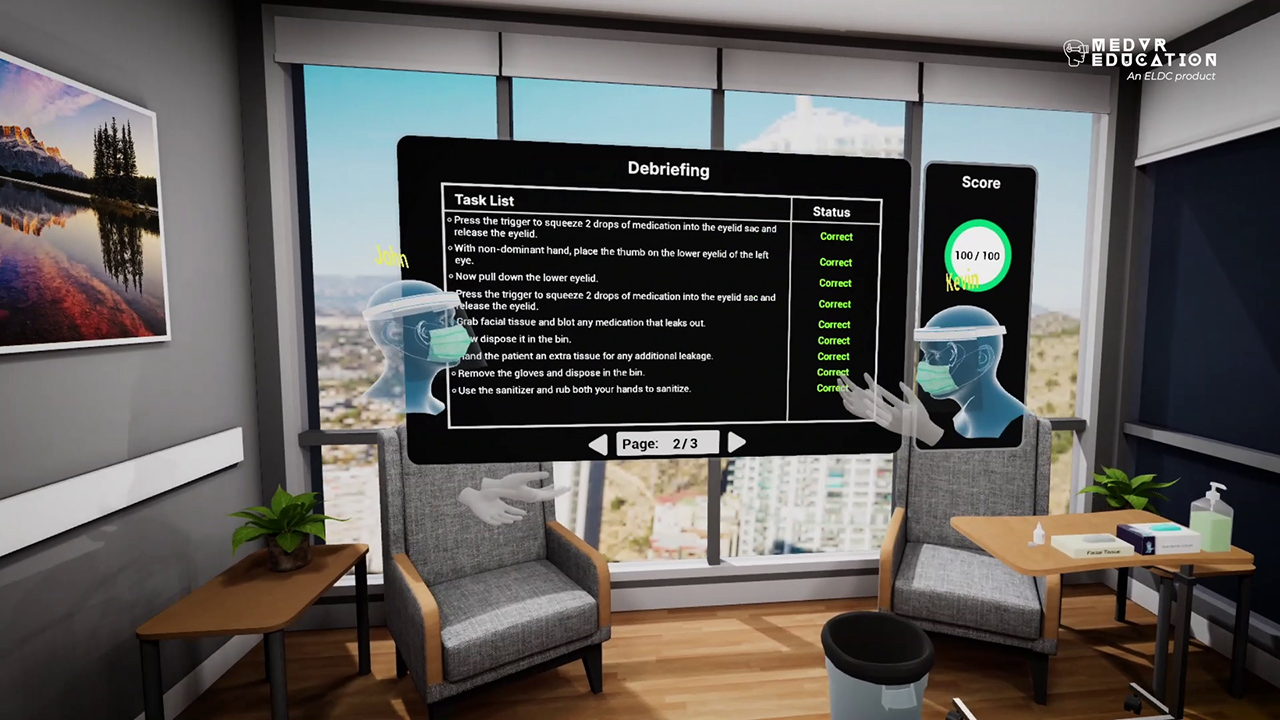
Test acquired skills to perform the procedures from start to finish without prompts. Get detailed insights to analyze performance data, both individual and group.
- Detailed insight of steps performed
- Segregated data of correct and incorrect steps
- Individual performance in multiplayer sessions
- Time tracking to monitor activity completion
Get started
Ready to transform clinical training?
Book a demo to see Eye Medications and our full simulation library in action.