Clinical Simulation
MVC with Tension Pneumothorax


About This Course
What you'll experience
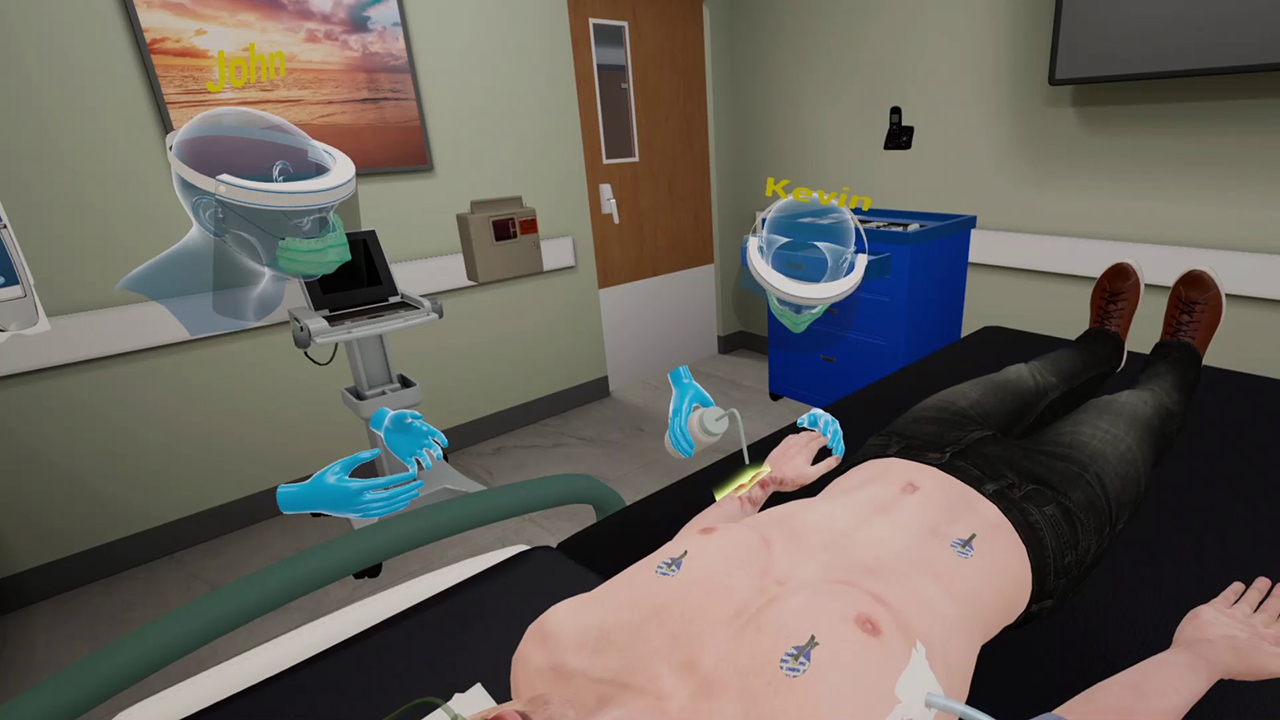
Forty-year-old James Anderson arrives by EMS to a tertiary care ED where the trauma team has been activated. James was the driver in a single vehicle collision at highway speed. There has been extensive damage to his car. He has an obvious open fracture of his left forearm and decreased air entry to the right of his chest. James is screaming and moaning when he is brought in. This multiplayer VR session on MVC with Tension Pneumothorax is set in a photorealistic virtual environment and exposes learners to trauma patients that require multiple concurrent management steps.
Learning Objectives
- Lead a trauma team effectively
- Perform safe primary survey and a proper secondary survey
- Recognize and decompress a tension pneumothorax
- Appropriately manage an open fracture in a trauma patient
References
- Marx, J. A., Hockberger, R. S., Walls, R. M., & Adams, J. (2013). Rosen's emergency medicine: Concepts and clinical practice. St. Louis: Mosby.
What you'll practice
Core Skills Training
Core Skill
MVC with Tension Pneumothorax
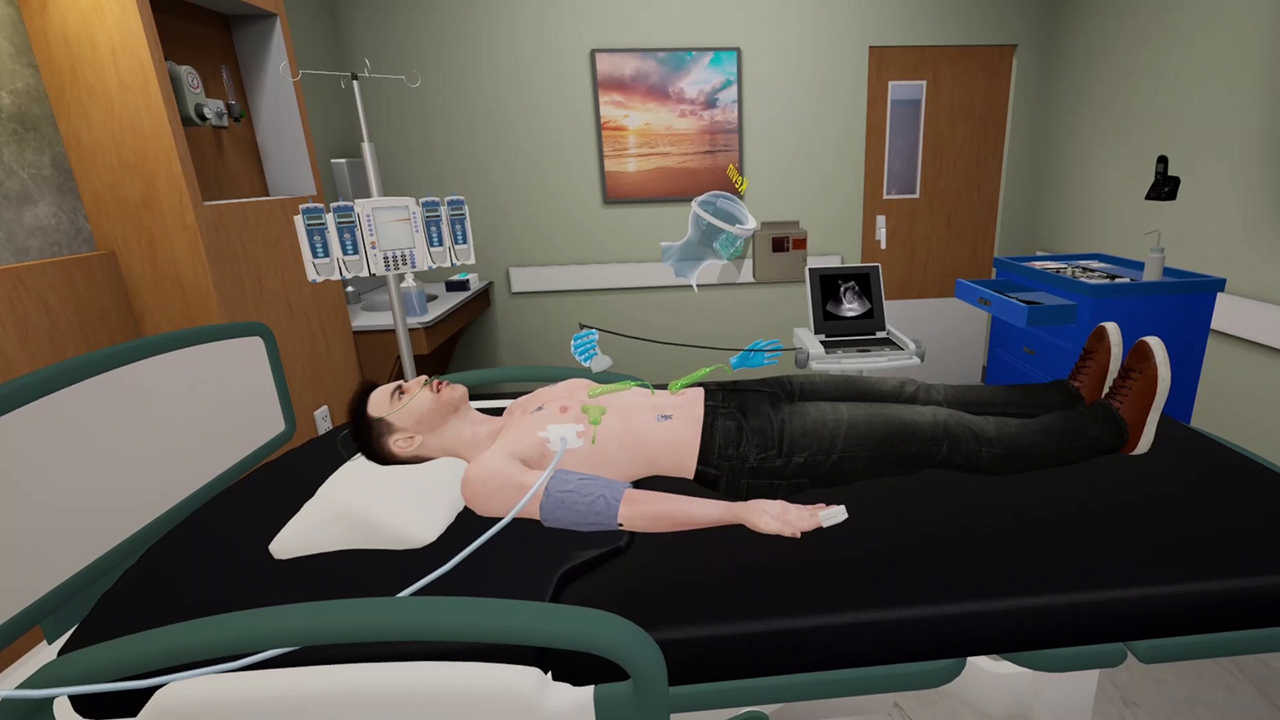
As part of this MVC with Tension Pneumothorax open scenario, learners are presented with a screaming and moaning patient with a GCS of 13. The patient has an obvious open facture on the left forearm and decreased entry of air to the right of the chest. Working as a team, learners are required to recognize the tension pneumothorax as part of their primary survey. After having conducted the secondary survey, they are required to irrigate the wound, sedate the patient and splint the right arm. Towards completion of the second survey the patient will become hypotensive again. The team will discover free fluid in the abdomen and inform General Surgery. All affordances are provided within the environment to provide a realistic and immersive learning experience.
Tailored to You
Customize Your Program
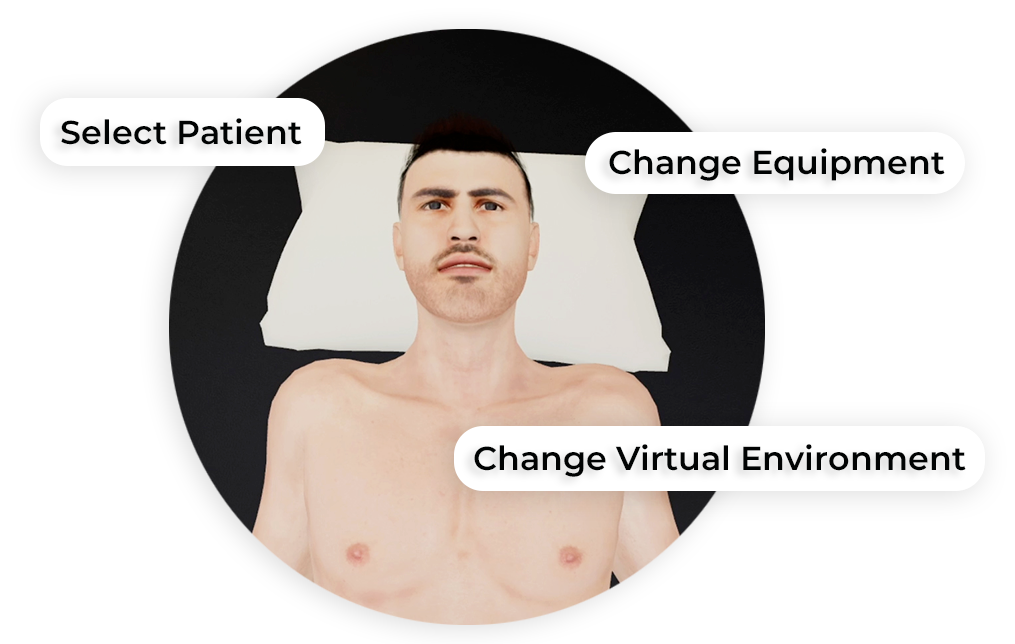
MedVR Education is bringing to you in-VR customization that will enable you to put together your own simulations by making selections from a wide range of feature choices.
- Select patient from a diverse background
- Choose preferred virtual environment
- Configure patient vitals
- Define simulation duration
- Create patient history and train with AI-Humans
- Customize session-end debriefing
- …..many more to come
Additional customization options are available and can be developed to meet your specific training needs.
 AI Patient Assessment
 Natural Language Processing
 Multi-player Sessions
 Physics-based Interaction
How it works
Training
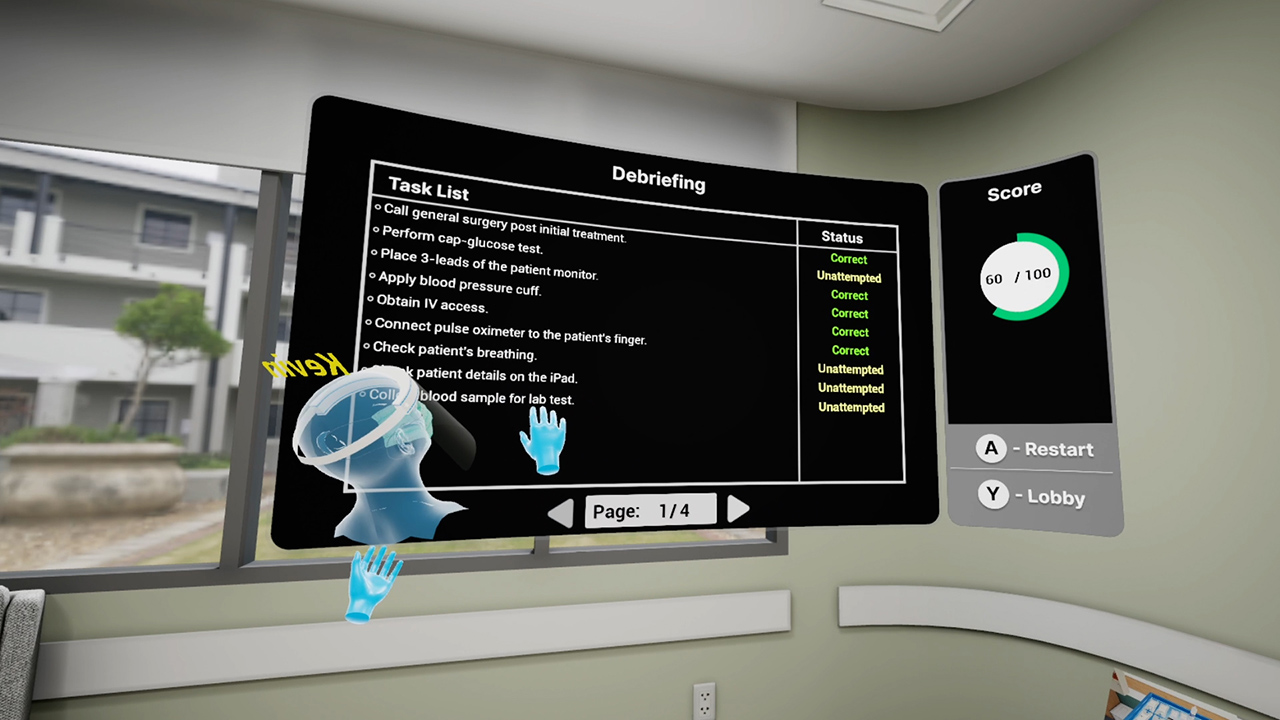
End-of-task debriefing to assess one’s performance, evaluate actions, and get the most out of the training. Examples of topics being touched upon in the debriefing include the following:
- Thorough patient assessment
- Completion of necessary steps
- Correct medication administration to patient
- Sequential completion of task
- Execution of time-sensitive tasks
Get started
Ready to transform clinical training?
Book a demo to see MVC with Tension Pneumothorax and our full simulation library in action.